
Lighting Controls & Automation

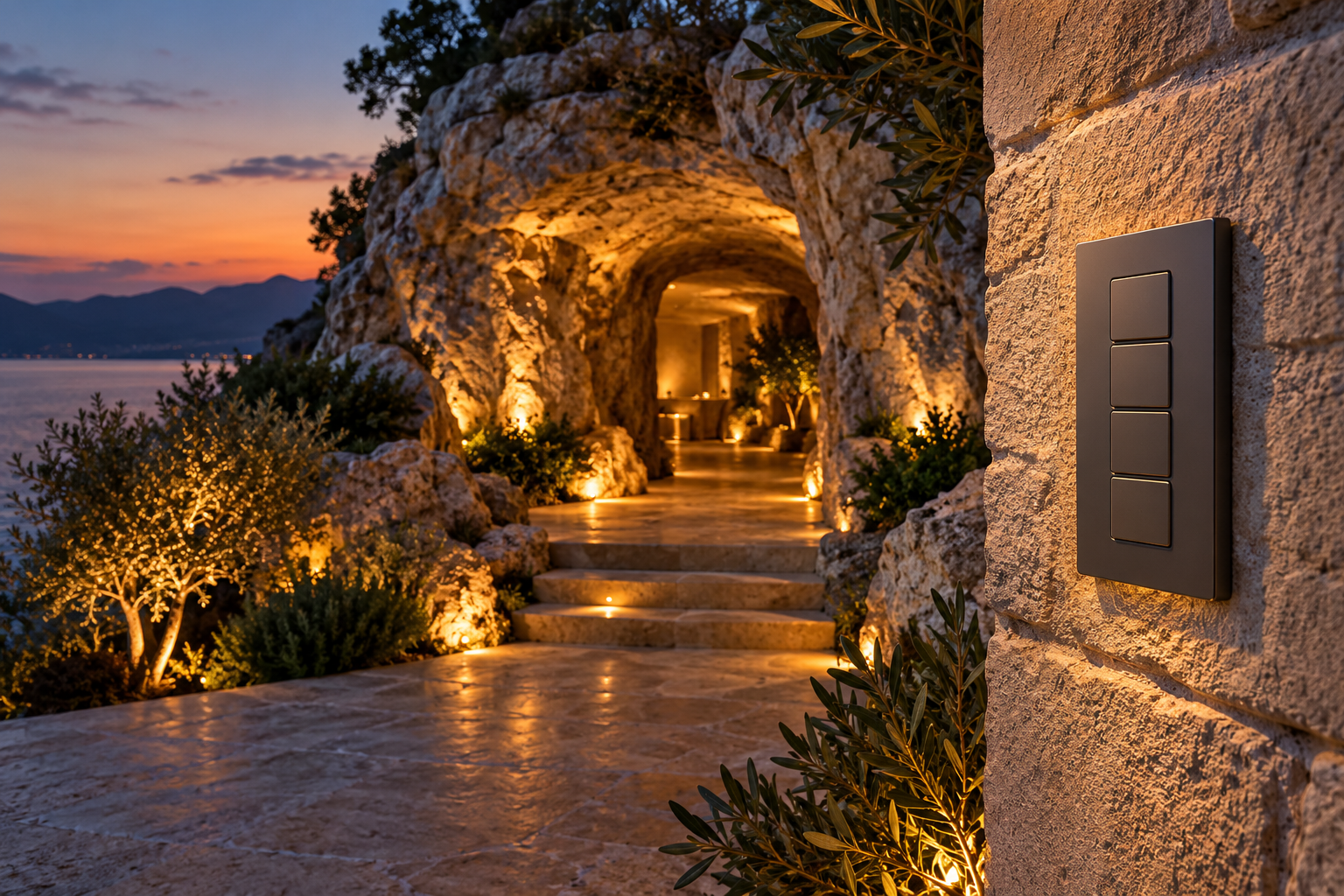
Concept illustration of a discreet unbranded wall-mounted lighting control panel beside a beautifully illuminated grotto entrance at dusk, blank simple buttons without writing

A grotto may need an inviting evening scene, a brighter cleaning setting, and a late-night appearance. Controls make those changes repeatable, but only when the functions are organized clearly. Lighting Controls & Automation examines how fixtures, circuits, scenes, schedules, and interfaces work together from the user’s perspective. Explore the difference between dimming one group and recalling a scene, the value of understandable controls, and the practical questions raised by sensors or remote operation. The collection does not assume that more automation makes a space easier to use. A system should respond predictably, allow appropriate manual control, and remain understandable when a component is replaced or a network connection changes. Owners can use these topics to describe everyday routines, while designers can coordinate the visual plan with the technical capabilities of equipment. Documentation matters because a beautiful scene is difficult to preserve if nobody knows its settings or which fixtures it controls. Begin with the activities and operating hours, then build a control approach that supports them without making routine use depend on complexity or guesswork.

Group: Fixtures can share a controlled function.
Scene: Several settings form one repeatable arrangement.
Dimming: Equipment must support the intended control method.
Schedule: Time-based operation follows defined rules.
Sensor: An input can trigger an action.
Interface: Users need understandable controls.
Override: Appropriate manual operation supports flexibility.
Compatibility: Components must work together as specified.
Documentation: Preserve settings and system relationships.
Maintenance: Replacement can affect control behavior.
Task separation: Accent and service lights need different roles.
Scene naming: Plain labels reduce confusion.
Startup behavior: Define what happens after interruption.
Network dependence: Connectivity can affect some functions.
Local control: Routine use benefits from predictable access.
Dimming range: Performance varies with equipment combinations.
Seasonal schedules: Daylight changes can affect timing.
Shared systems: Water effects may require coordinated operation.
User permissions: Different operators may need different access.
Replacement records: Exact component details support continuity.
Control schedule: List groups and intended functions.
Scene matrix: Record settings for each use.
Compatibility data: Check manufacturer-supported combinations.
Interface mockups: Test understandable operation.
Operating instructions: Explain normal and fallback use.
System diagrams: Connect controls with fixtures and equipment.
Configuration backups: Preserve approved settings securely.
Maintenance logs: Track replacements and changes.
Professional commissioning: Verify the installed behavior.
User walkthroughs: Check routines with intended operators.
Function before technology: Begin with actual activities.
Predictability: A simple reliable response improves usability.
Scene integrity: Replacing one component can change the whole effect.
Fallback planning: Connectivity loss should have a considered response.
Control hierarchy: Local and automated commands need clear relationships.
Change management: Record adjustments instead of relying on memory.
Accessibility: Interfaces should suit intended users.
Operational timing: Schedules need to reflect real use.
Integration limits: Not every device supports every control approach.
Long-term ownership: Clear documentation reduces dependence on one installer.
One-button scenes: Several changes can feel like a single action.
Hidden complexity: Simple interfaces may control many components.
Seasonal edits: Sunset changes can shift a useful schedule.
Quiet defaults: Startup settings influence first impressions.
Small replacements: A new driver can alter dimming behavior.
Named moods: Clear scene names help users choose confidently.
Maintenance modes: Practical settings can remain separate from presentation.
Recorded recipes: Scene values preserve a lighting composition.
Local resilience: A physical control can remain useful beside automation.
Human routines: Good systems follow behavior rather than demand new habits.
Q: Is automation always better than manual control?
A: No. The right approach depends on use and reliability needs.
Q: What is a lighting scene?
A: It is a saved combination of settings for a particular purpose.
Q: Can any LED fixture be dimmed by any controller?
A: Compatibility must be verified.
Q: Why define startup behavior?
A: Interruptions should produce a predictable result.
Q: Should settings be backed up?
A: Appropriate configuration records support recovery and maintenance.
Q: Can replacement equipment change a scene?
A: Yes. Output and control behavior may differ.
Q: Why use plain scene names?
A: They help operators choose without technical knowledge.
Q: Should schedules be reviewed seasonally?
A: Daylight and use patterns may change.
Q: What belongs in operating instructions?
A: Normal controls, overrides, fallback behavior, and relevant maintenance information.
Q: How is the system verified?
A: Test the installed functions and routines with suitable professional commissioning.